About This Set
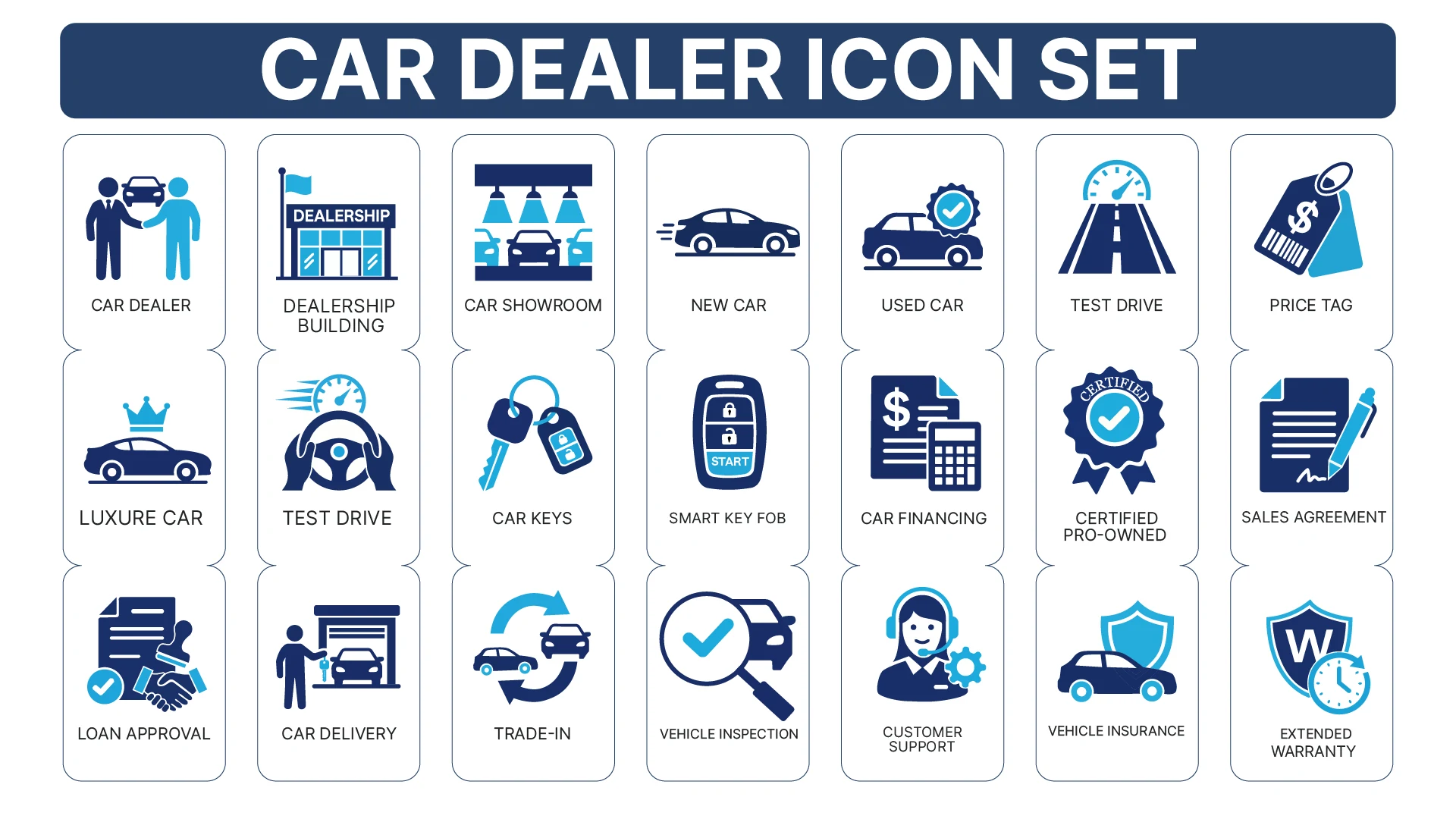
A car sale has many small steps, and this set has an icon for most of them. The 21 icons follow a customer from the Car Showroom and Test Drive through Car Financing, Loan Approval and Sales Agreement to Car Delivery and Extended Warranty.
You also get the details dealerships talk about every day: New Car, Used Car, Certified Pre-Owned, Trade-In, Vehicle Inspection, Vehicle Insurance, Car Keys and Smart Key Fob. Every icon uses the same two-tone navy and sky blue style, with clear shapes that work in listings, menus and printed brochures. SVG and EPS files can be edited in any vector editor.
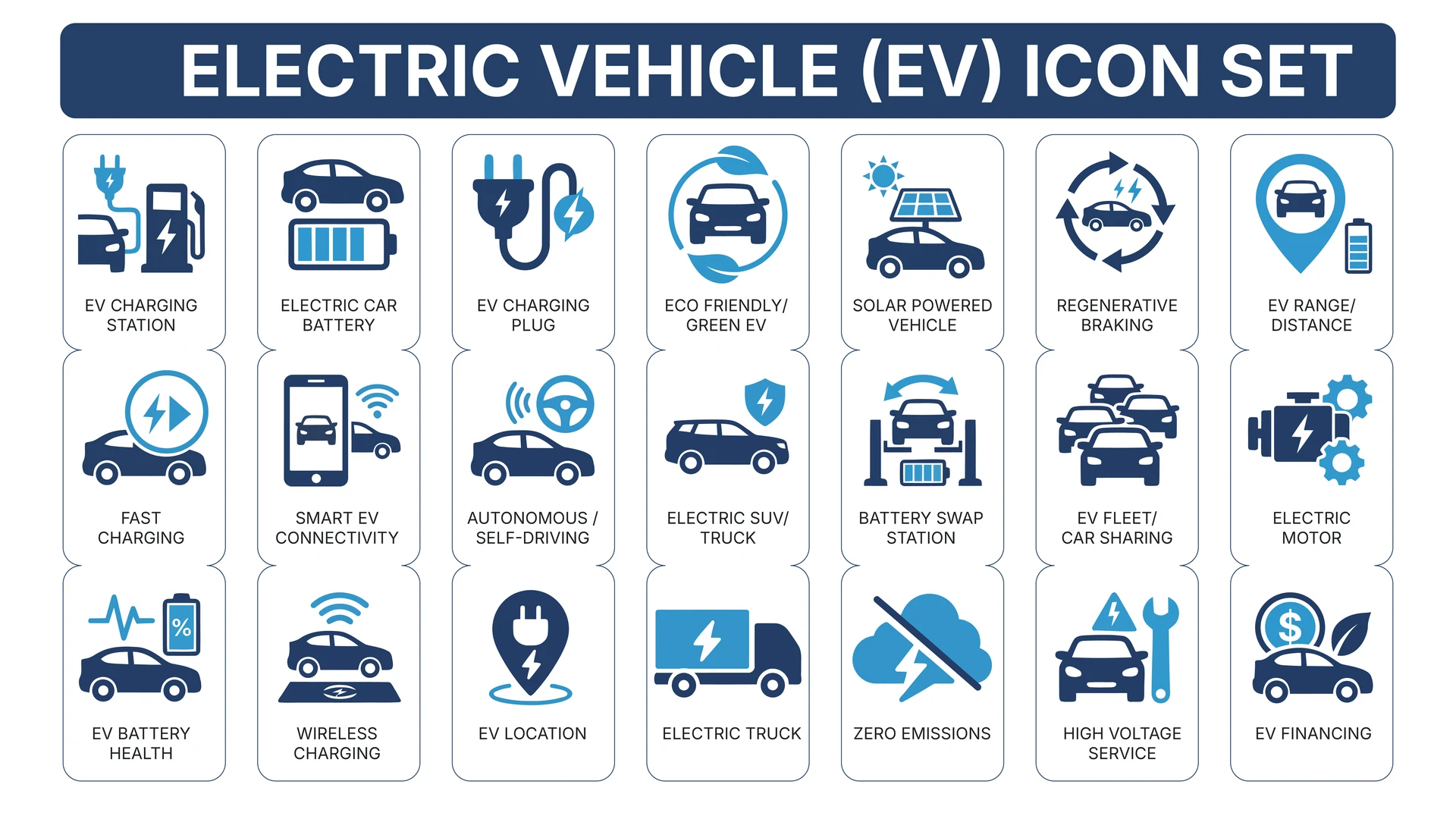
If you sell electric cars, add the Electric Vehicle Icon Set. For pricing and loan pages, see the Budget Icon Set.
Where to Use It
- Dealership WebsitesMark service pages such as new cars, used cars, trade-in and financing.
- Vehicle ListingsUse the certified pre-owned, inspection and warranty icons to show what comes with each car.
- Brochures and Showroom SignsUse the EPS or PDF for printed material that stays sharp at any size.
- Ads and Social PostsAdd a test drive or price tag icon to promotions and weekend offers.
- Customer Emails and ChecklistsGuide buyers through loan approval, paperwork and delivery with icons for each step.
Questions About This Set
What car-dealer topics are covered?
The 21 icons include Car Dealer, Dealership Building, Car Showroom, New Car, Used Car, Test Drive, Price Tag, Car Financing, Trade-In, Vehicle Inspection, Vehicle Insurance and Extended Warranty.
Can a dealership use these commercially?
Yes. Commercial use is free with a credit link to HandyIcons on your website footer or credits page.
Can I recolour them to match my dealership’s brand?
Yes. The SVG and EPS files are editable, so you can change the navy and sky blue to your own colours.
Will they work in printed brochures?
Yes. Use the EPS or PDF files for print. They stay sharp at any size.
 Electric Vehicle Icon Set
  Advertising & Marketing Icon Set
  AI Workflow Icon Set