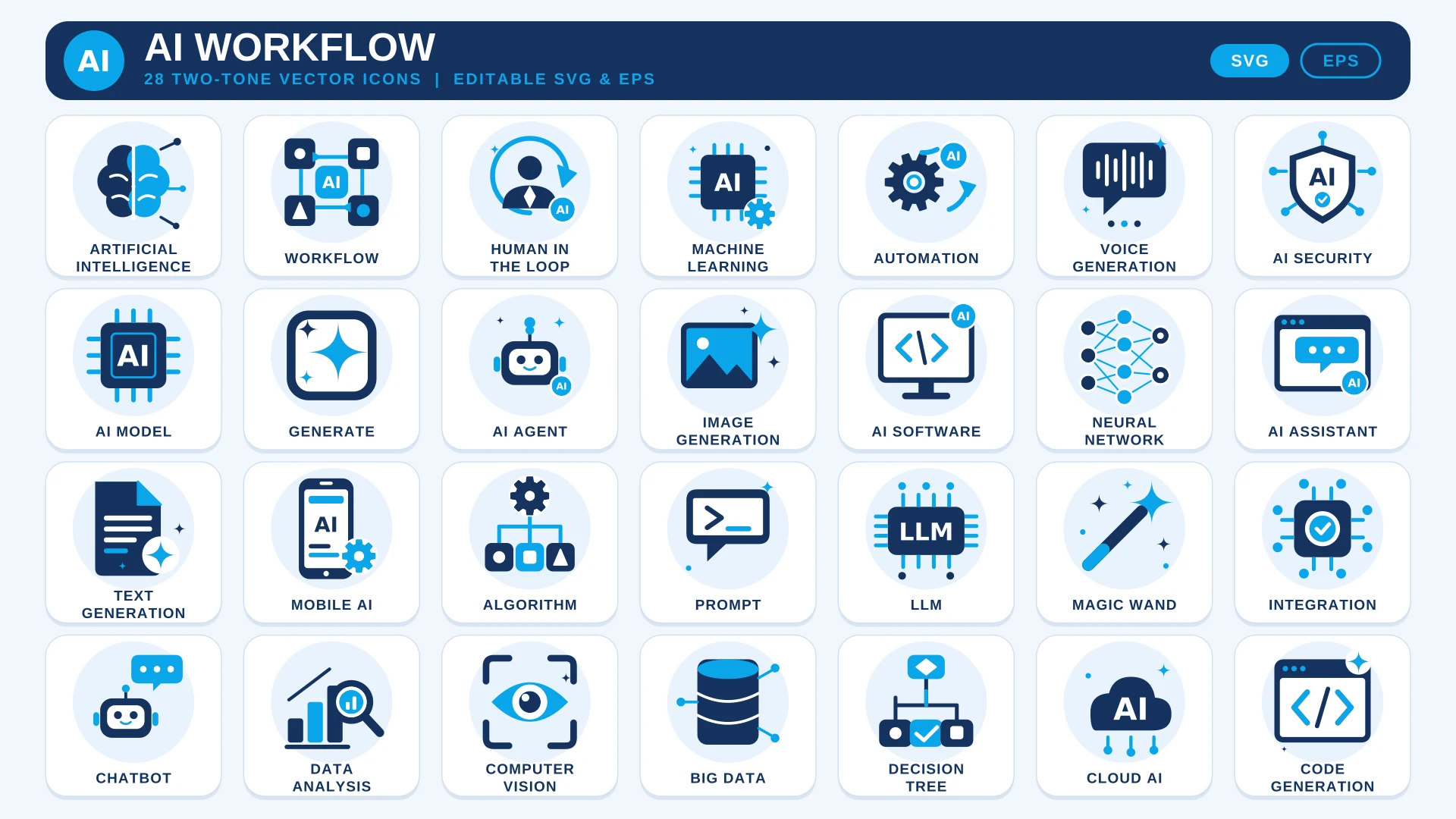
About This Set
AI products are hard to explain with words alone. This set gives you 28 icons for the ideas that come up again and again: AI agents, large language models, prompts, neural networks, machine learning, computer vision and code generation, plus the workflow pieces that connect them, such as automation, integration and human in the loop.
All 28 are drawn in the same two-tone style, deep navy with sky blue accents, and built from bold shapes that stay clear at small sizes. The SVG and EPS files are editable vectors, so you can match your product’s colours in Figma or Illustrator and resize without losing quality.
Building for a software audience? The SaaS Icon Set adds billing, onboarding and API icons, and the Digital Marketing Icon Set helps with the marketing pages around your launch.
Where to Use It
- AI Product Landing PagesIllustrate features such as text generation, image generation and voice generation in a feature grid.
- Documentation and Help CentresMark sections on prompts, models and integrations so readers can scan a long page.
- Dashboards and App InterfacesUse the AI assistant, data analysis and cloud AI icons as navigation and card headers.
- Pitch Decks and ExplainersShow how data flows through a model with the workflow, algorithm and decision tree icons.
- Blog Posts and NewslettersAdd a visual to articles about machine learning, automation or AI security.
Questions About This Set
Which AI topics do the icons cover?
The 28 icons include Artificial Intelligence, AI Agent, LLM, Prompt, Neural Network, Machine Learning, Computer Vision, Code Generation, Automation and Human in the Loop. The full list is shown on this page.
Can I use them in an AI product or app?
Yes. Commercial use is free with a credit link to HandyIcons in your footer, credits page or project description. Personal use needs no credit.
Can I match the icons to my product’s colours?
Yes. The SVG and EPS files are fully editable, so you can change the navy and sky blue in Figma, Illustrator or a code editor.
Which file should I use in a web app?
Use the SVG. It stays sharp at any size and can be inlined in your code so you can style it with CSS.
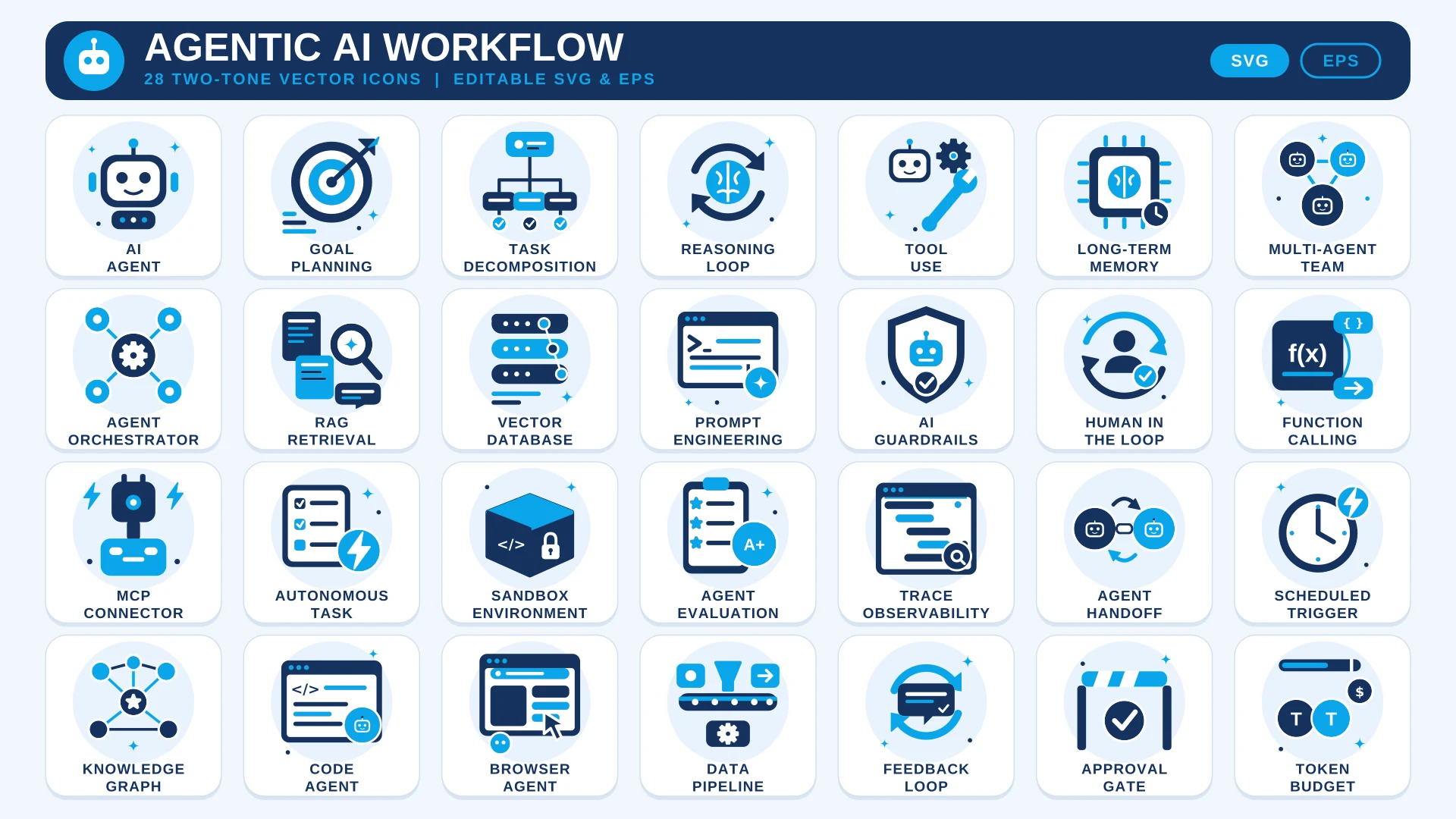 Agentic AI Workflow Icon Set
 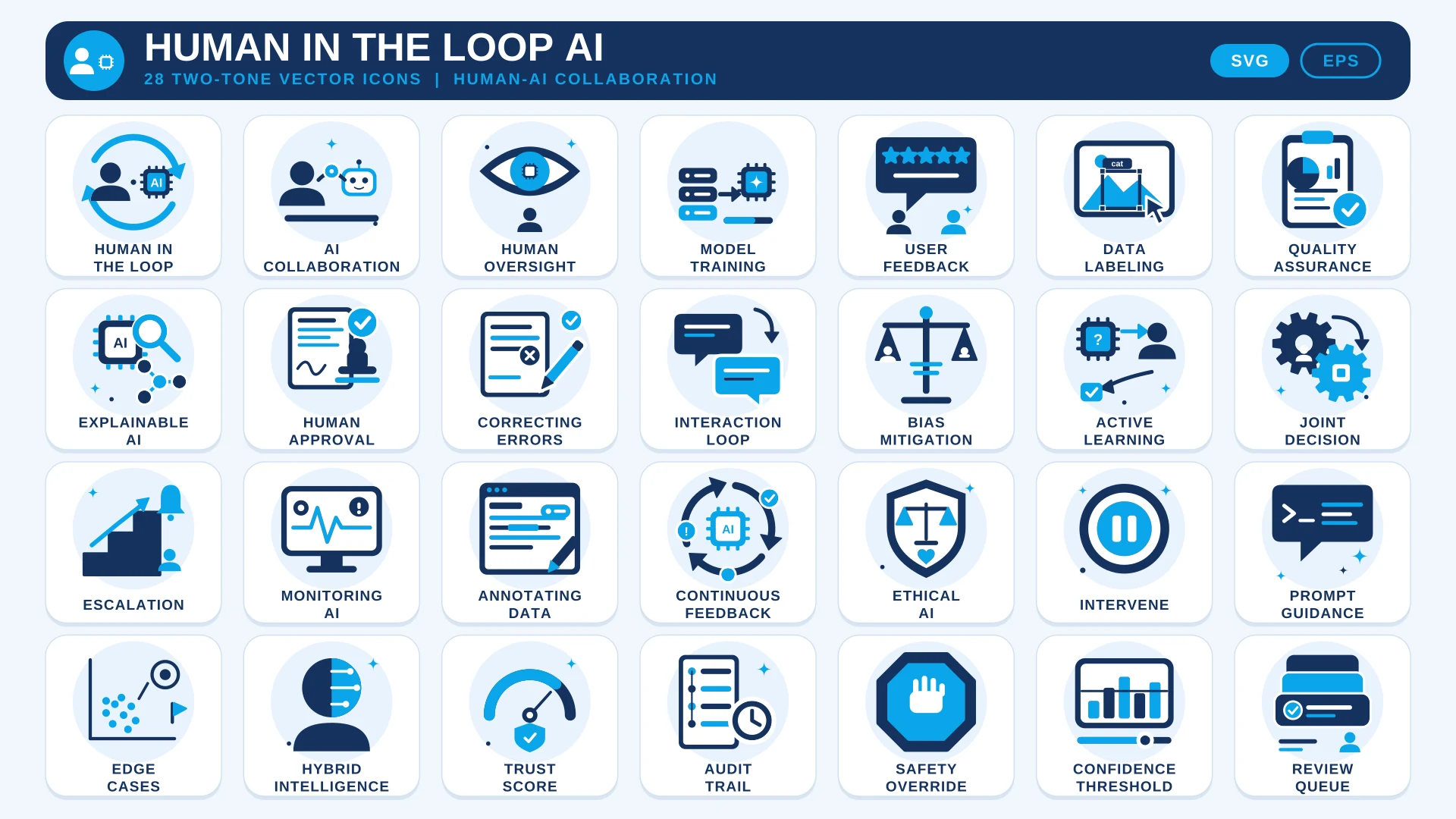 Human in the Loop AI Icon Set
 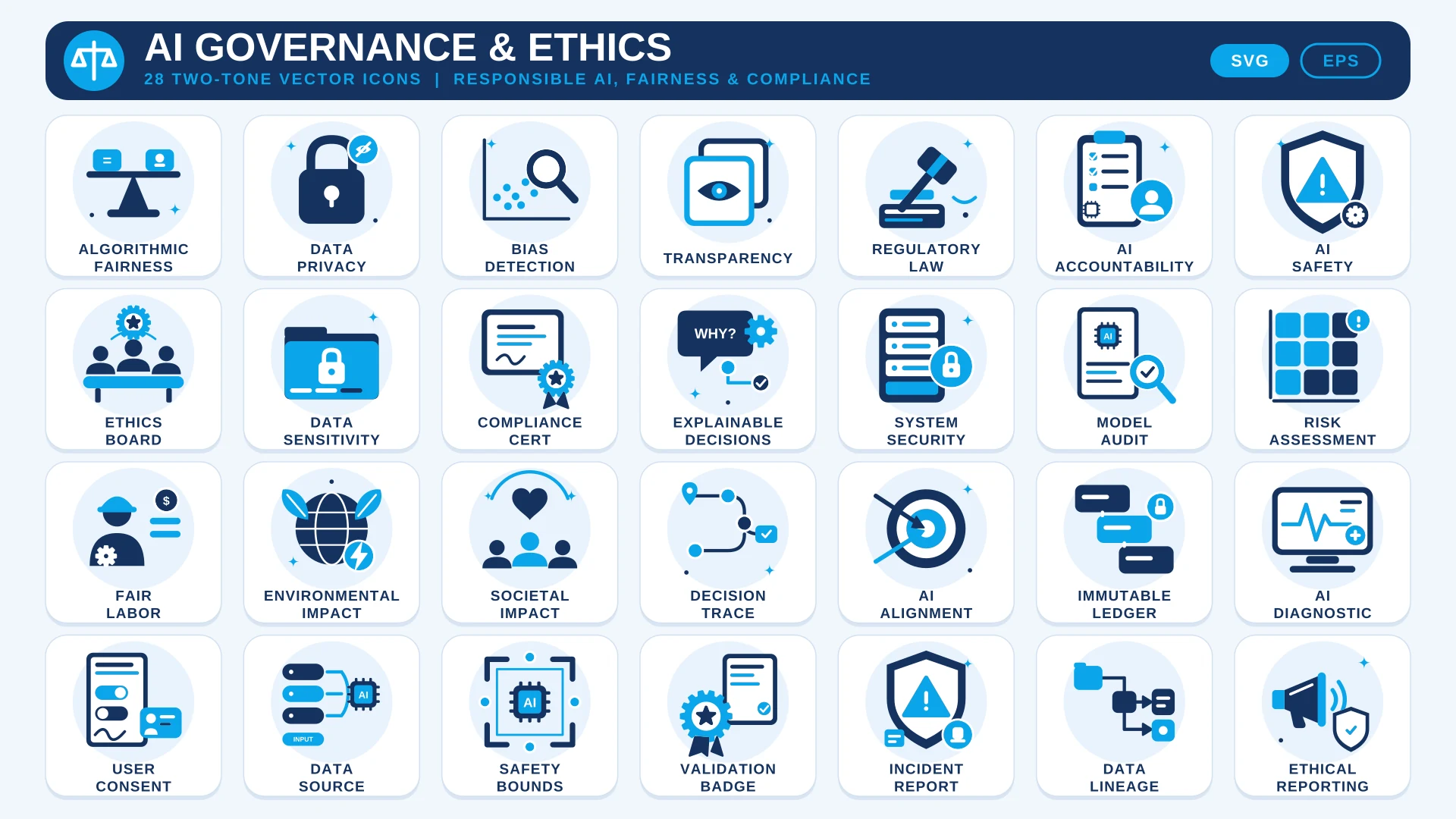 AI Governance & Ethics Icon Set