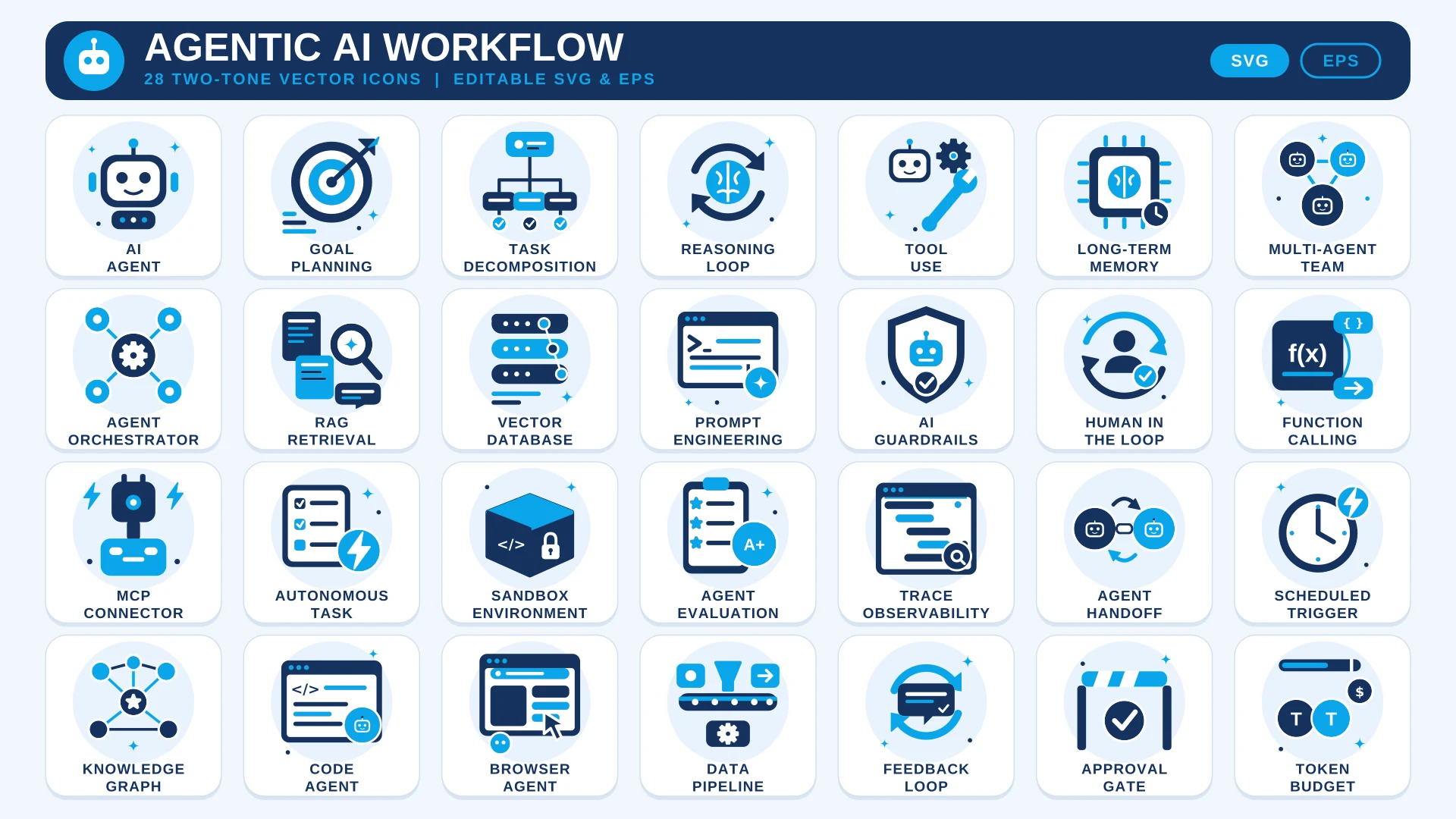
About This Set
Agents plan, call tools, remember things and hand work to each other, which makes them hard to draw with ordinary AI icons. This set gives you 28 icons made for that world: Goal Planning, Task Decomposition, Reasoning Loop, Tool Use, Long-Term Memory, Multi-Agent Team and Agent Orchestrator.
It also covers the plumbing behind an agent: RAG Retrieval, Vector Database, Function Calling, MCP Connector, Sandbox Environment and Token Budget, plus the safety side with AI Guardrails, Approval Gate and Trace Observability. Every icon uses the same navy and sky blue on a soft round background, so a whole architecture diagram stays consistent. SVG and EPS files are editable vectors.
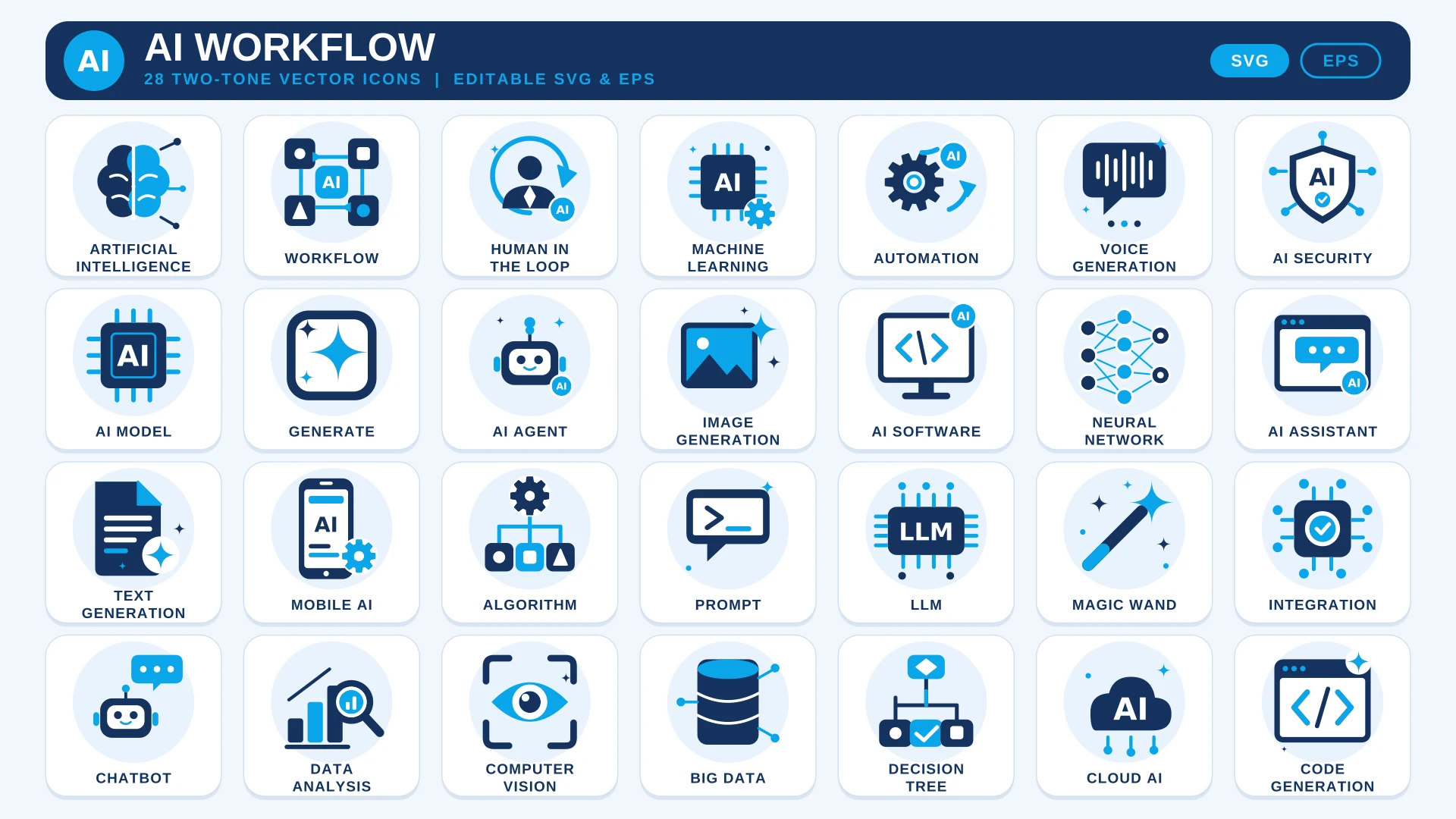
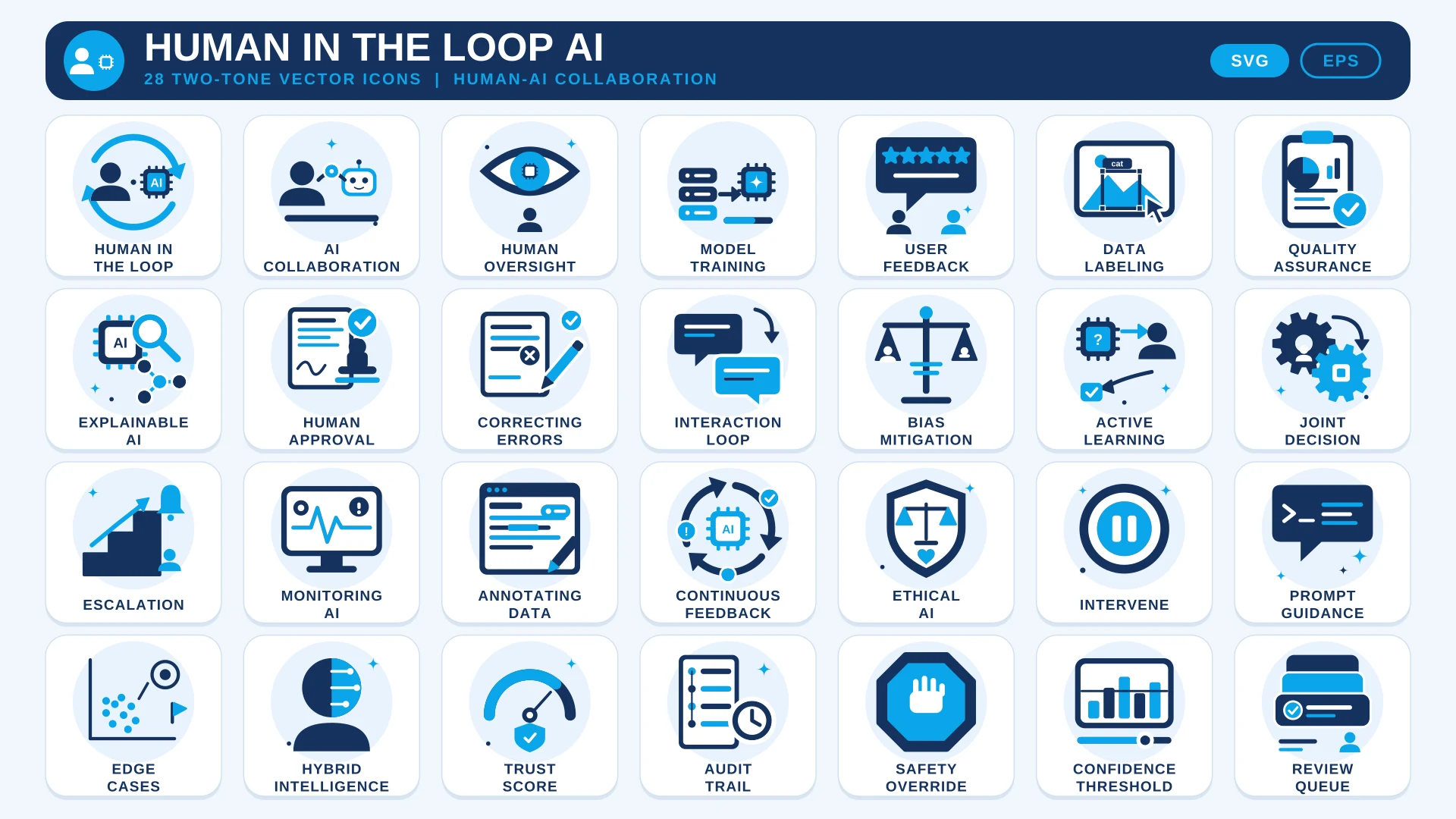
For simpler AI features, the AI Workflow Icon Set is a lighter starting point. If your agents keep a person in control, add the Human in the Loop AI Icon Set.
Where to Use It
- Agent Platform WebsitesExplain planning, memory and tool use in a feature grid.
- Architecture DiagramsUse the orchestrator, handoff and data pipeline icons as boxes in a system diagram.
- Developer DocumentationMark sections on function calling, MCP connectors and sandbox environments.
- Product Demos and DecksShow an agent’s steps, from goal planning to approval gate, on one slide.
- Blog Posts and TutorialsAdd a visual to articles about RAG, prompts or agent evaluation.
Questions About This Set
Which agent topics are covered?
The 28 icons include AI Agent, Goal Planning, Task Decomposition, Tool Use, Long-Term Memory, Multi-Agent Team, RAG Retrieval, MCP Connector, AI Guardrails, Agent Handoff and Token Budget.
How is this different from the AI Workflow set?
The AI Workflow set covers general AI topics such as models, prompts and automation. This one focuses on agents: planning, orchestration, tools, memory and oversight.
Can I use them in my agent product or docs?
Yes. Commercial use is free with a credit link to HandyIcons in your footer or credits page. Personal use needs no credit.
Can I recolour them for my brand?
Yes. The SVG and EPS files are fully editable in Figma, Illustrator or a code editor.
 AI Workflow Icon Set
  Human in the Loop AI Icon Set
  AI Governance & Ethics Icon Set